How it works

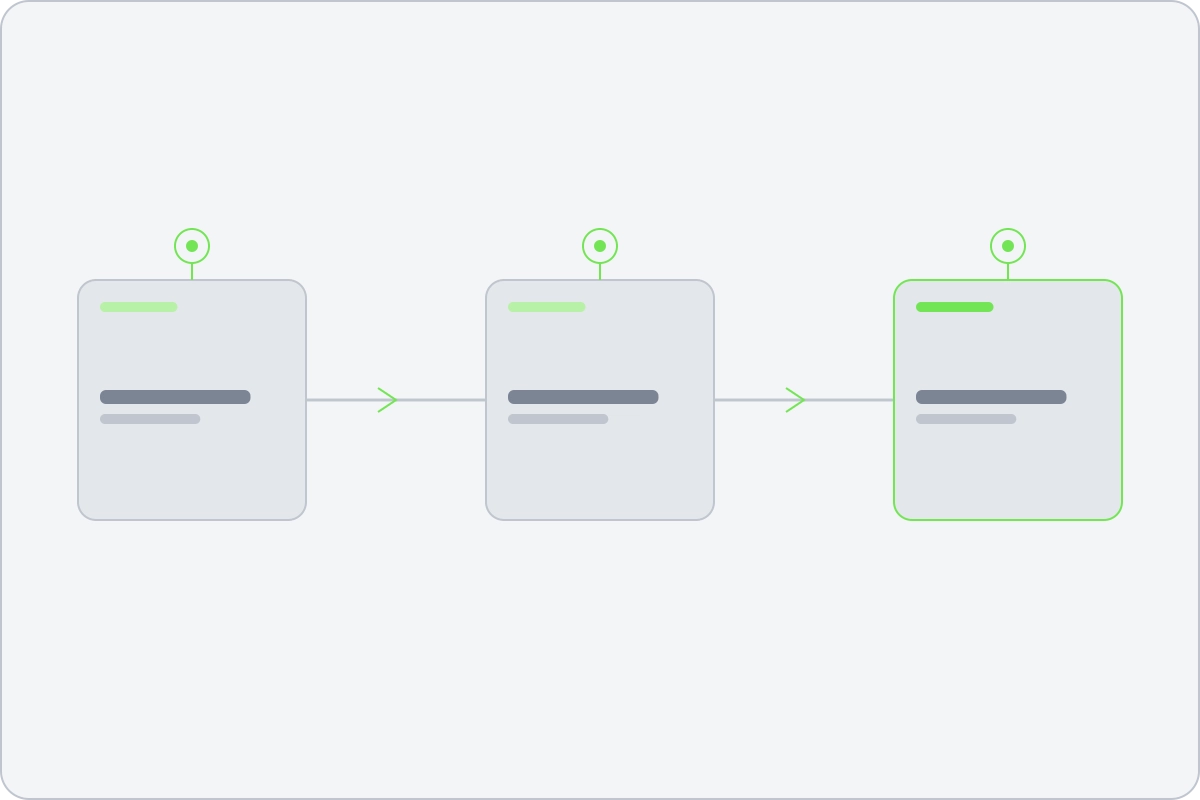
An event goes in one end and a post comes out the other

No argument on this page, just the mechanism. What goes in, what happens to it, and what you get back.

Driving it

An assistant, the API, or the dashboard

The same product underneath and the same permissions. Nothing is reserved for the screens, and nothing an assistant can do is anything a colleague could not.

Through an AI assistant

Reelwire ships an MCP server: the same API as tools an assistant can call, with the documentation beside them so it can look something up before it acts. Point Claude, ChatGPT or any other MCP client at it and ask for the week's posts.

It authenticates with an ordinary key, so the key is the whole of what it may do. Give it a read-only one and it can explain what went out and publish nothing.

Over the API

Everything the screens do, your own systems can do: push an event, write a post, manage brands and channels, render a clip and download it. There is no second, lesser API for customers. The product is built on the one you get.

Keys carry permissions per area, so a trading system that only pushes events holds a key that can only push events.

In the dashboard

A screen for each part of it: brands, channels, templates, feeds, post lists, approvals, the schedule, and a record of every post with what each platform answered. Setting it up is an afternoon. After that you mostly read it.

Most workspaces use all three. The assistant drafts, the API feeds it, and somebody watches the screens on Monday morning.

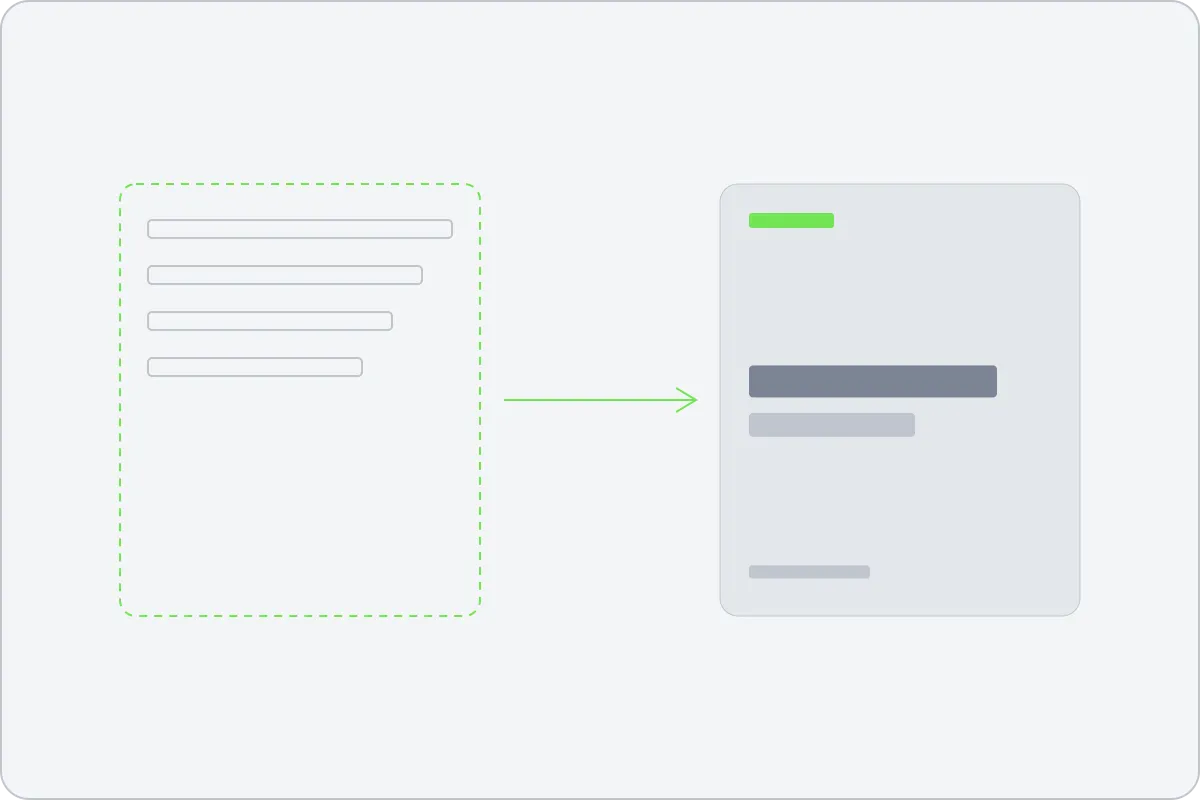
A drawn template on the left, the same composition filled with data on the right
The four objects

Raw data, templates, brands, channels

Learn these four and the whole product is legible. Everything else on the screen is one of them, or the record of what happened to them.

  • Raw data. What happened, as facts rather than a sentence. A feed Reelwire carries, your own systems posting to the API, or a post somebody writes by hand in a post list.
  • Templates. A composition drawn by a designer: motion, typography, the way a number lands. One template produces every aspect ratio and every language, because the language is data too.
  • Brands. What a clip wears. Names, colours, type, logo, the intro, the sound, the legal line at the bottom. A brand is shared across channels on purpose: change it once and everything wearing it changes.
  • Channels. Where a post goes: one per platform account and language, wearing one brand, listening to the sources you choose. A channel listening to nothing renders nothing, which is the one thing worth checking twice.
Your data

Three ways a fact gets in

They are equal citizens. A channel can listen to all three at once, and everything downstream, the drawing, the approval, the publishing and the record, is identical whichever door the fact came through.

A feed Reelwire carries

Seventy-two sources, already normalised: market and economic data, council decisions and roadworks, weather and warnings, promotions and product data, release notes, sports results, calendars. Subscribe a channel to one and it starts posting.

Nothing to build. This is the route most workspaces start on, and for many it is the only one they ever need.

A post list you write

For the things that are not in any feed. Write the post, choose the template, pick the time, and it renders and publishes like everything else. The free plan runs entirely on this and on Reelwire's own feeds.

Useful alongside a feed rather than instead of it: the feed carries the cadence and the post list carries the exceptions.

Your own systems

Send events to a stream over the API and they render through a template you chose, exactly like a carried feed. A nightly script, a webhook out of your ERP, a trading system, a CMS: whatever already knows the fact.

Every event carries an id you choose, so a retry can never post the same thing twice.

Templates

A template is a decision written down once

A designer draws the composition: where the number sits, how the chart animates in, what the type does when a headline runs long, how the whole thing rearranges itself from wide to vertical. That happens once. After that the machine fills it, and the filling is the cheap part.

A template receives exactly three things: your brand, the channel, and the content. There is no fourth, because a template that could read a customer id would eventually be written to behave differently for one customer.

It declares what it accepts

Every field a template draws is declared with its limits, and content is checked against them before anything is rendered. An over-long headline is a refusal that names the field, rather than a clipped line on a clip that already published.

Configuration is narrow on purpose

Your colours, your type, your logo, your legal line, the language, and which slice of the data this channel shows. Configurable enough to be unmistakably yours, constrained enough that it cannot be arranged into something broken.

One composition, every output

Every aspect ratio and every language come out of the same composition. Nobody re-cuts the vertical and nobody re-times the Japanese: the layout arranges itself around whatever the words turn out to be.

Versions are pinned, never floating

A channel is bound to an exact template version, not to "the latest". A new version arrives waiting for your approval and produces nothing until it has it, so a clip published last quarter is still explicable this quarter.

Approval

Approve once, inherit forever

This is the part that decides whether a regulated business can use any of this, so it is built the way compliance actually works rather than as a checkbox.

The reviewer approves the template

Not the asset. Every clip rendered from that version inherits the approval, because the composition is fixed and only the data changes. Forty reviews once, instead of four thousand a year.

This is the whole reason the volume is possible. An approval model that needs a person per asset caps you at the number of assets a person can look at.

And each post too, if you want

An optional second gate, set per channel. When a post is ready the reviewer gets a preview and approves or rejects it. Nothing publishes until they do.

The people who approve need not be the people who can edit. In a regulated business the reviewer often must not be able to change what they are signing.

Publishing

Three ways it reaches the platform

Whichever you choose, the approval gate sits in front of it and the record of what went out is the same.

Give Reelwire the keys

Connect the platform accounts once and it posts them itself, at the time the channel says, and records what each platform answered. Nothing else to run.

Take the webhook

Reelwire calls you with the finished clip and the post, and your own system does the publishing. For organizations whose platform credentials are not allowed to leave the building, which is most public bodies.

Let your assistant post it

An assistant with a browser can take the clip and post it the way a person would, on the platforms that have no usable API. It is the slowest of the three and the only one that reaches everywhere.

The pipeline

What a post goes through

A post that fails says which step it failed at and why, in words rather than a code.

  • Accepted: the content is in and has been checked against what the template accepts.
  • Rendering: a machine draws the clip, and you can watch the percentage climb.
  • Awaiting approval: only where the channel asks for a reviewer. Otherwise this step does not exist.
  • Scheduled: cleared, waiting for its moment.
  • Published: out, with a link to it.
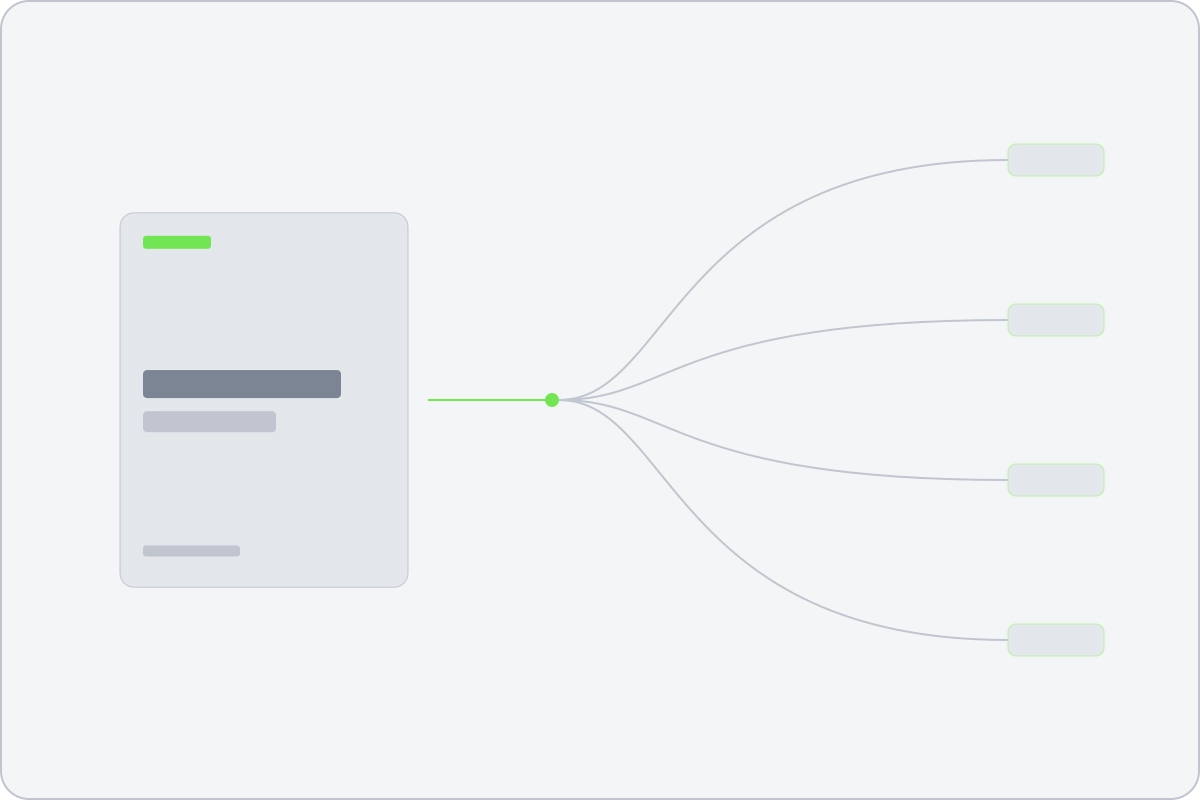
A finished clip fanning out to four connected channels
Analytics and A/B

What went out, what it did, and which version did it better

Every post carries its own record: which template version drew it, which brand version it wore, which event it came from, what each platform answered and what the platform reported afterwards. That record is what makes a comparison mean anything.

Analytics

Per channel, per template and per language, drawn from the platforms' own numbers rather than from an estimate. Which sources earn their place, which templates are worth repeating, and which languages are worth the render.

A/B tests

Two versions of the same post, split across the audience, judged on the platform's own figures. Because the only difference between them is the one thing you changed, the answer is about that thing rather than about the day it went out.

Where it runs

Your servers or ours

The deployment is your choice. The normalised data service is always Reelwire's, and both models can be extended with feeds of your own.

Cloud

Runs on
Reelwire's machines
Render speed
Scales on demand
Renders
Quota included, more by credit
Setup
Nothing to set up

Self-hosted

Runs on
Your own server
Render speed
Your hardware decides
Renders
Subscription only, no credits
Setup
Needs your IT
The questions people actually ask

Before you commit anything to it

The post is retried on a ladder rather than dropped, and the row says which attempt it is on. A platform that refuses for a reason you have to fix says so in words, on the post.
Reelwire can delete it from the platforms it reached, and the record of that stays. Deleting is a decision somebody makes, never something the system does quietly on its own.
A ten second clip at 1080 by 1920 takes about a minute of machine time. Rendering runs on machines of its own and jobs go to whichever has room, so a burst is a queue rather than a failure. Priority rendering puts an Enterprise workspace's clips first.
The clips you have rendered are yours and stay downloadable. What stops is the rendering and the publishing, which means the channel goes quiet the same day. That is worth knowing before you build a cadence on it.
In full

Everything here is documented, including the awkward parts

The manual covers what each object holds, what the API accepts and what happens when something goes wrong.